
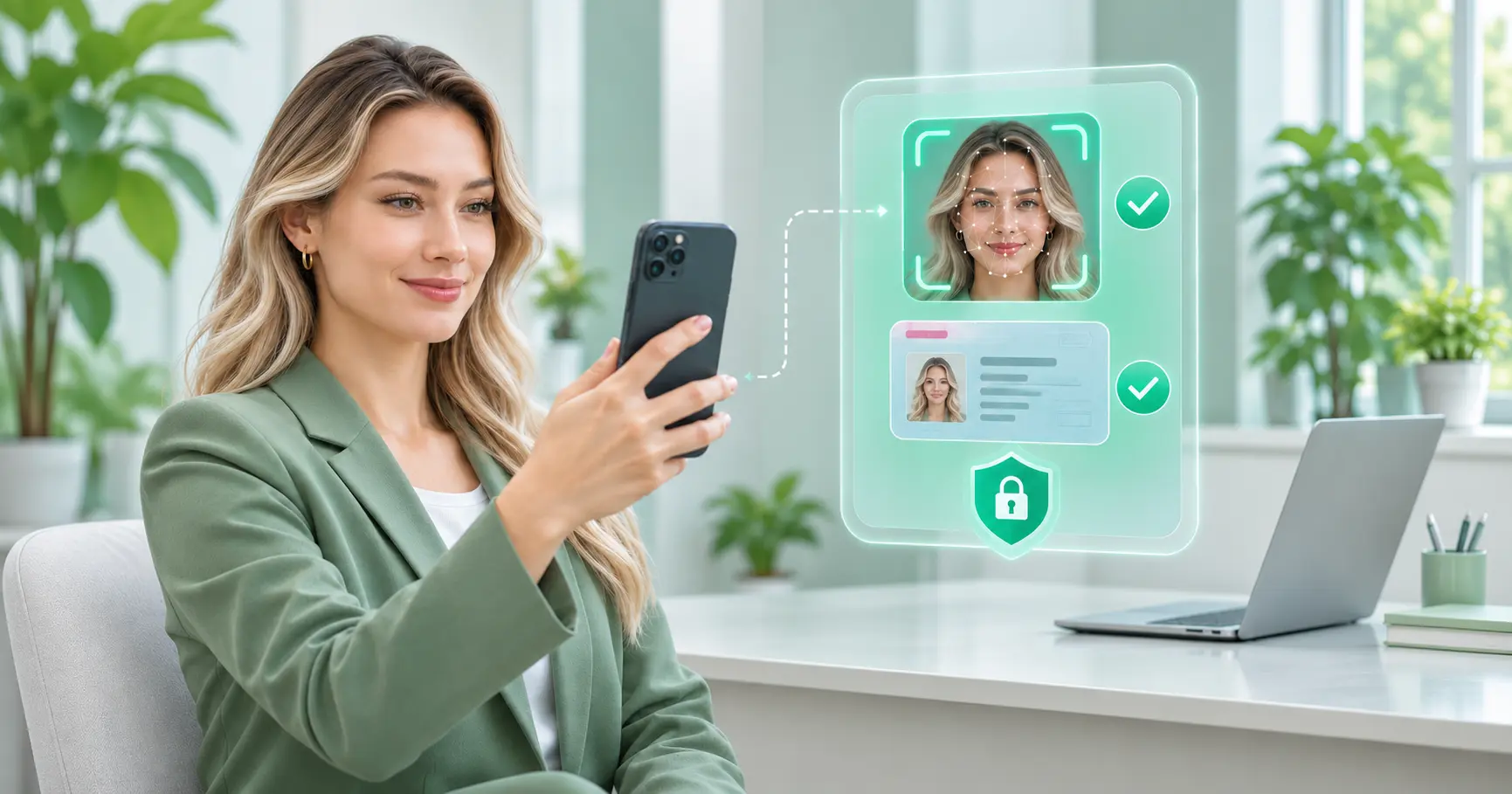
Remote identity verification allows businesses to confirm customer identities without requiring physical meetings or office visits. Using artificial intelligence, biometric authentication, and digital document verification, organizations can establish a secure customer onboarding process through smartphones, computers, and other connected devices.
Traditional identity checks often require customers to visit a physical location and present identification documents. However, digital businesses need more flexible and accessible verification methods.
Banks, fintech companies, insurance providers, and online platforms can use AI-powered technologies to verify customers remotely while managing identity fraud risks.
This guide explains how remote verification works, its essential technologies, practical applications, security challenges, and seven steps businesses can follow to implement an effective digital identity verification system.
Table of Contents
-
What Is Remote Identity Verification?
-
How Does Remote Identity Verification Work? 7 Essential Steps
-
Key Technologies Behind Remote Verification
-
Benefits and Real-World Applications
-
Security Challenges and Integration Best Practices
-
Frequently Asked Questions
-
Conclusion
1. What Is Remote Identity Verification?
Remote identity verification is the process of confirming a person’s claimed identity through digital technologies without requiring an in-person interaction.
Instead of visiting an office, customers can submit identification documents and complete biometric checks using a smartphone or computer.
A typical verification system may analyze government-issued documents, compare facial images, assess liveness, and evaluate potential fraud indicators.
The objective is to establish sufficient confidence that the customer is genuinely associated with the identity they claim.
Remote vs. traditional identity verification
| Feature | Traditional Verification | Remote Verification |
|---|---|---|
| Physical presence | Usually required | Not required |
| Document submission | Physical documents | Digital capture |
| Facial comparison | In-person inspection | AI-assisted or supervised |
| Availability | Often business hours | Potentially 24/7 |
| Processing | Frequently manual | Partially or fully automated |
| Geographic accessibility | Location-dependent | Internet-based |
| Fraud detection | Human inspection | Multiple digital security checks |
Remote verification can also be supervised by a human agent through a secure video session.
The NIST Digital Identity Guidelines provide a useful framework for understanding identity proofing, evidence validation, and identity assurance.
2. How Does Remote Identity Verification Work? 7 Essential Steps
An effective remote identity verification system combines several security technologies rather than relying on a single check.
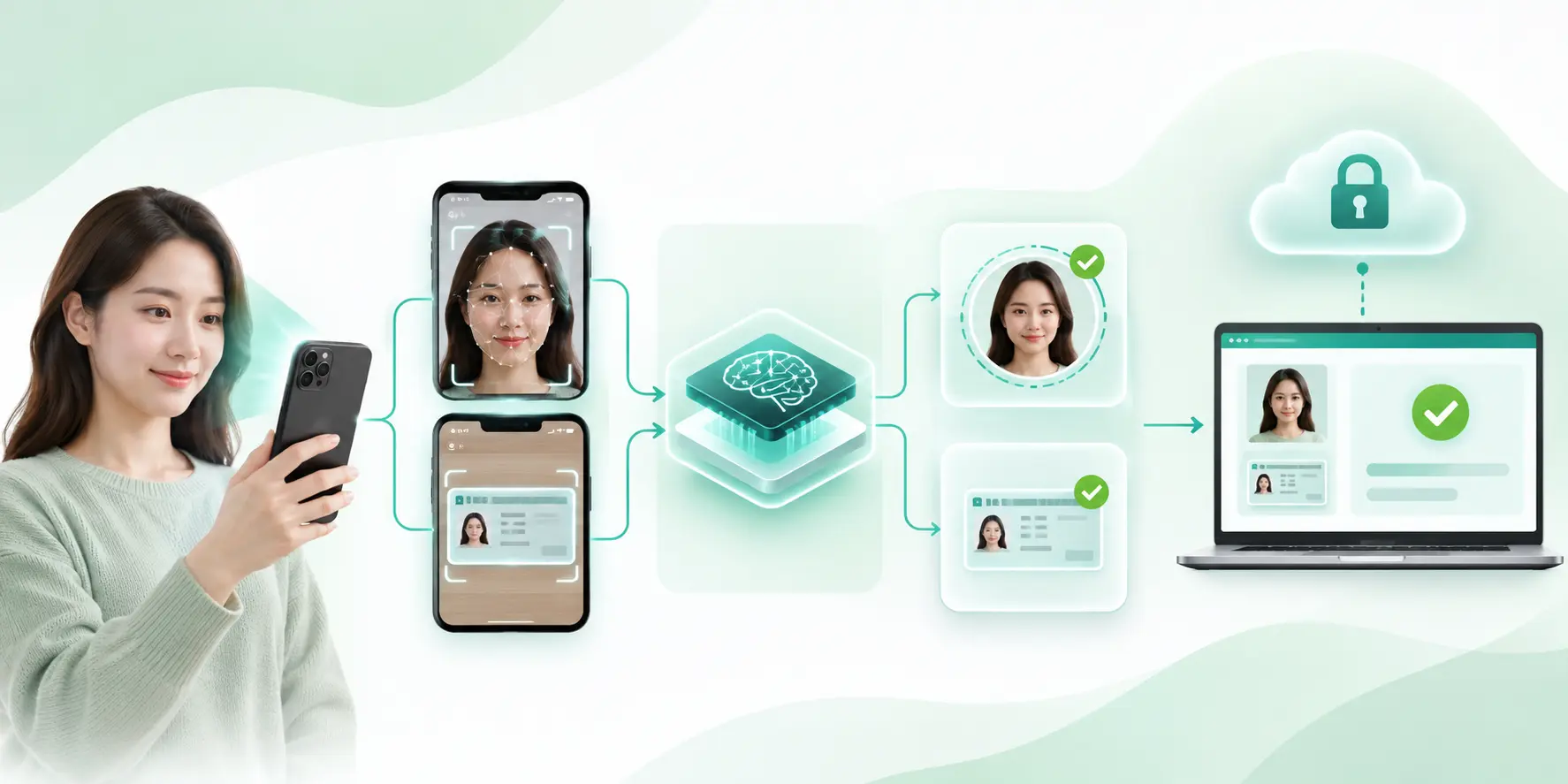
Step 1: Collect Customer Information
The process begins when customers create an account or request access to a service.
Depending on business requirements, the application may collect the customer’s name, date of birth, contact information, and country of residence.
Businesses should collect only information necessary for the intended verification process and explain how it will be used.
Step 2: Capture an Identity Document
Customers use a smartphone camera or webcam to capture an identification document.
Supported document types may include passports, national ID cards, residence permits, and driver’s licenses.
The application should guide customers to position their documents correctly. Clear instructions can reduce problems caused by glare, blur, poor lighting, or incomplete images.
Step 3: Extract Document Information Using OCR
Optical character recognition (OCR) converts text from document images into structured digital information.
This may include a person’s full name, document number, nationality, date of birth, and expiration date.
Instead of manually entering these details, customers can review automatically extracted information.
Businesses can explore the MiniAiLive ID Document Verification SDK for document recognition and verification capabilities.
Step 4: Validate Document Authenticity
Reading document information does not establish that the document is genuine.
Document authentication may involve examining security features, checking data consistency, detecting image manipulation, and validating information against trusted sources where available.
Document liveness detection can provide additional signals about whether a presented document is genuine or reproduced.
Step 5: Capture the Customer’s Facial Image
The customer captures a selfie or completes a short facial verification session.
AI-based face detection identifies the face and evaluates whether the captured image is suitable for biometric comparison.
Poor lighting, motion blur, or partial facial obstruction may require the customer to capture another image.
Step 6: Perform Face Matching and Liveness Detection
Face matching compares the customer’s facial image with the portrait on their identity document.
Meanwhile, face liveness detection evaluates whether the captured biometric sample comes from a genuine person rather than a presentation attack.
These technologies address different security questions.
Face matching evaluates whether two facial images represent the same person. Liveness detection evaluates whether a biometric presentation is genuine.
Combining both helps reduce the risk of impersonation.
Step 7: Evaluate Verification Results
The system combines available verification signals and applies business-specific risk rules.
Depending on the results, an application may approve the verification, request another capture, refer the customer for manual review, or reject the verification attempt.
Uncertain results should not automatically be treated as evidence of fraud. Legitimate customers may experience technical or accessibility difficulties.
3. Key Technologies Behind Remote Verification
Modern remote identity verification combines artificial intelligence, computer vision, biometric analysis, and security controls.
ID Document Recognition
Document recognition identifies supported document types and extracts relevant information.
It helps reduce manual data entry while providing structured information for subsequent verification checks.
Facial Recognition and Face Matching
Facial recognition algorithms analyze facial characteristics and create numerical representations of facial images.
For customer onboarding, businesses commonly use 1:1 face matching. This compares the customer’s selfie with a reference portrait from their identification document.
A similarity score helps the system evaluate whether the images are likely to represent the same individual.
Face Liveness Detection
Face liveness detection helps identify potential biometric presentation attacks involving photographs, replayed videos, masks, or other artificial facial representations.
Passive liveness detection can evaluate captured facial data without requiring specific movements. Active methods may ask customers to perform a defined action.
Businesses can learn more through MiniAiLive’s Face Liveness Detection SDK.
Deepfake Detection
Deepfake detection analyzes digital media for signs of AI-generated or manipulated content.
It can complement biometric security controls, particularly when attackers attempt to introduce synthetic facial images or videos into verification systems.
However, deepfake detection alone cannot eliminate every form of identity fraud.
Technology comparison
| Technology | Primary Function | Security Benefit |
|---|---|---|
| OCR | Extract document text | Reduces manual data entry |
| Document authentication | Evaluate document authenticity | Helps identify counterfeit documents |
| Document liveness | Analyze document presentation | Helps detect document reproduction |
| Face matching | Compare facial images | Helps detect impersonation |
| Face liveness | Evaluate biometric presentation | Helps detect spoofing |
| Deepfake detection | Analyze manipulated media | Adds protection against synthetic media |
Each technology addresses a different part of the identity verification process. Combining appropriate controls provides stronger protection than relying on one algorithm.
4. Benefits and Real-World Applications
Remote identity verification helps organizations deliver digital services while maintaining appropriate identity security controls.
Main Business Benefits
-
Faster onboarding: Automated checks can reduce unnecessary manual processing.
-
Improved accessibility: Customers can complete verification from different locations.
-
Fraud prevention: Multiple security checks help identify suspicious applications.
-
Lower operational costs: Automation can reduce repetitive administrative tasks.
-
Better customer experience: Clear digital workflows reduce unnecessary paperwork.
-
Scalability: Businesses can support growing customer demand without expanding physical offices at the same rate.
Banking and Financial Services
Banks can use digital identity verification during account opening, loan applications, and other regulated activities.
Customers may submit identification documents and complete biometric verification through a banking application.
The FATF Guidance on Digital Identity explains how suitable digital identity systems can support customer due diligence when appropriate assurance and risk controls are in place.
FinTech and Digital Payment Platforms
Payment companies can use remote verification when registering customers or evaluating requests for sensitive account services.
It can form part of a broader Know Your Customer (KYC) process.
Insurance Services
Insurance providers may verify customer identities during policy registration or claims processing.
Digital verification can reduce the need for physical appointments while supporting fraud prevention procedures.
Online Marketplaces
Marketplaces can verify sellers, service providers, and other participants before granting access to selected features.
Identity checks may help improve accountability and reduce impersonation risks.
Telecommunications
Telecommunications providers can use remote verification during digital customer registration where permitted by local regulations.
Customers may complete document and biometric checks without visiting a retail location.
5. Security Challenges and Integration Best Practices
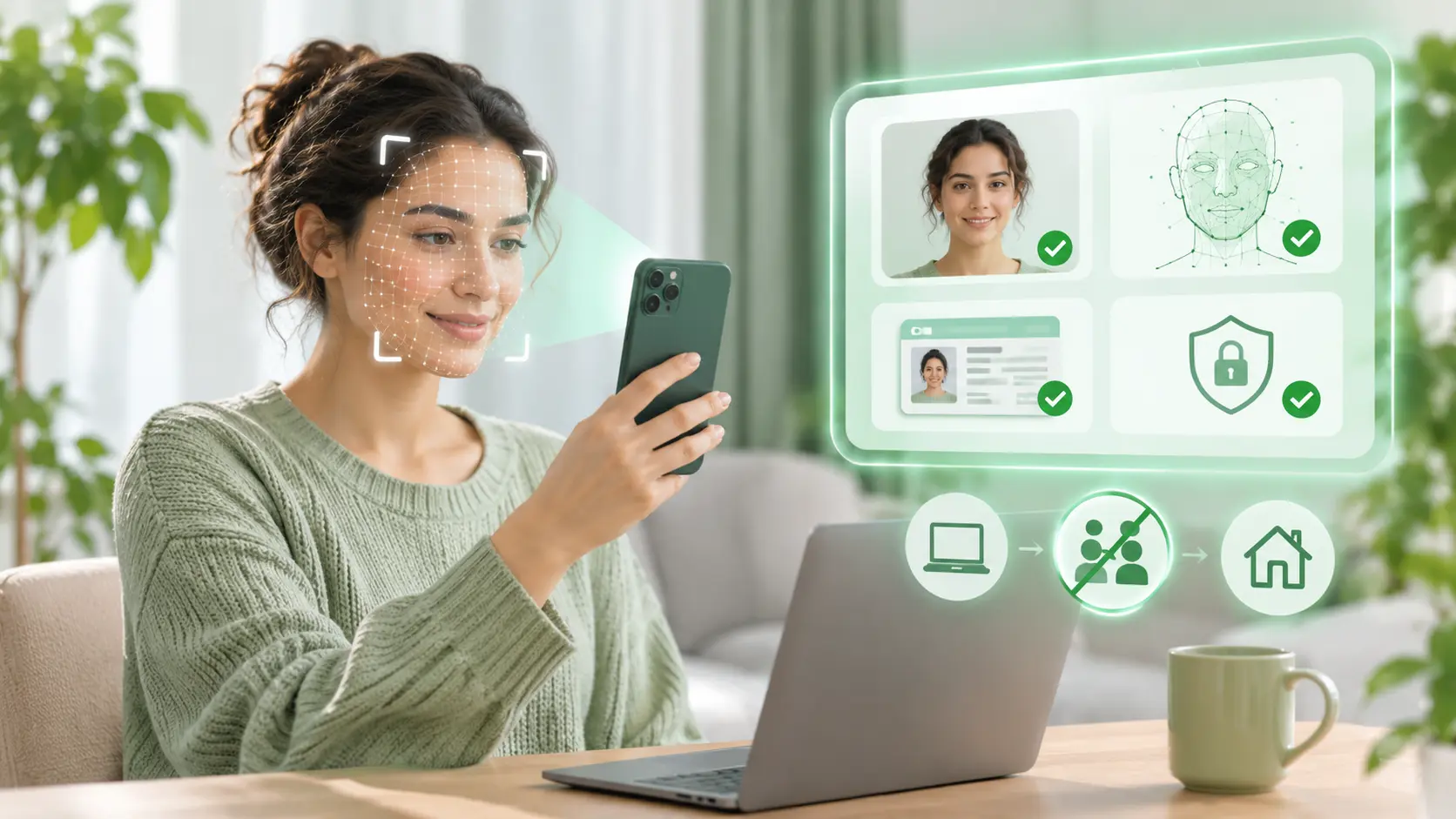
Although remote identity verification offers significant benefits, businesses must understand its technical and operational limitations.
Common Security Challenges
| Challenge | Recommended Control |
|---|---|
| Counterfeit documents | Document authentication and trusted data validation |
| Stolen identity documents | Face matching and additional identity checks |
| Biometric spoofing | Face liveness detection |
| Deepfake content | Synthetic media detection and secure capture |
| Camera injection attacks | Capture integrity and session protection |
| Poor image quality | Real-time capture guidance |
| Personal data exposure | Encryption and access controls |
| Incorrect verification results | Risk-based thresholds and manual review |
Protect Customer Privacy
Identity documents and biometric information contain sensitive personal data.
Businesses should implement appropriate encryption, access restrictions, retention policies, and secure deletion procedures.
They should also establish a lawful basis for processing personal information and comply with applicable privacy requirements.
Evaluate Accuracy and Fairness
Verification performance can vary depending on camera quality, environmental conditions, document types, and customer characteristics.
Businesses should evaluate their systems using representative test data and monitor both incorrect acceptances and incorrect rejections.
Alternative verification methods should be available when customers cannot complete standard biometric checks.
Integrate Remote Identity Verification SDKs
Developers can integrate verification components into mobile applications, web platforms, or backend services.
A typical integration includes secure session creation, document capture, OCR processing, document validation, biometric comparison, liveness analysis, and risk-based decision-making.
Developers should consult the MiniAiLive SDK documentation to review available integration options and platform-specific requirements.
Who Is This Technology For?
Remote identity verification is particularly relevant to financial institutions, fintech developers, KYC providers, insurance companies, online marketplaces, and organizations building secure digital onboarding applications.
It is also useful for software developers and security professionals who need to combine identity verification technologies within existing systems.
6. Frequently Asked Questions
What is remote identity verification?
It is a digital process for confirming a person’s claimed identity without requiring an in-person meeting. It may combine document verification, biometric matching, liveness detection, and trusted data checks.
Is remote identity verification secure?
It can provide strong identity assurance when supported by appropriate security controls, reliable evidence, secure data processing, and risk-based decision-making. No verification system guarantees complete protection against fraud.
What is the difference between KYC and identity verification?
Identity verification establishes confidence in a customer’s claimed identity. KYC is a broader compliance process that may also include customer risk assessments, screening, and ongoing monitoring.
Can remote verification detect deepfakes?
Specialized deepfake detection and biometric security technologies can help identify manipulated content. Their effectiveness depends on the attack type, implementation, and detection model.
Can businesses integrate remote verification into mobile applications?
Yes. Developers can integrate compatible document recognition, face matching, and liveness detection SDKs into mobile applications. They should confirm platform compatibility and security requirements before deployment.
7. Conclusion
Remote identity verification is an important technology for businesses providing secure digital services without physical customer interactions.
By combining document recognition, biometric matching, liveness detection, and appropriate fraud prevention controls, organizations can create more convenient and reliable customer onboarding experiences.
Key takeaways:
-
Digital identity verification can reduce the need for physical appointments.
-
Document authentication and biometric verification serve different security purposes.
-
Multiple verification technologies can provide stronger protection.
-
Customer privacy, accessibility, and accuracy remain essential.
-
Human review and alternative verification options help manage uncertain results.
Explore MiniAiLive to discover AI-powered identity verification, document recognition, and biometric authentication solutions for your next digital onboarding project.