

Fake ID detection software helps businesses identify counterfeit, altered, or suspicious identity documents during online identity verification. As more organizations move customer registration, financial services, and account onboarding online, checking whether an identity document is genuine has become an important part of fraud prevention.
Traditional visual inspection may miss subtle document alterations. Modern verification systems use artificial intelligence, computer vision, optical character recognition (OCR), and document liveness detection to examine identity evidence more consistently.
However, no single technology can guarantee that every fraudulent document will be detected.
In this guide, we explain how document verification works, five important detection technologies, their practical applications, common limitations, and best practices for implementing secure and reliable identity verification.
What Is Fake ID Detection Software?
Fake ID detection software is a technology solution designed to analyze identity documents and identify signs of forgery, unauthorized changes, or suspicious presentation methods.
Organizations use these systems to examine passports, national identity cards, driver’s licenses, and other accepted forms of identification.
Rather than relying only on the appearance of a document, the software may evaluate its structure, printed information, security features, and capture conditions.
What Types of Document Fraud Can It Identify?
Depending on the capabilities of the verification system, it may identify:
-
Counterfeit documents: Completely fabricated documents designed to resemble official identification.
-
Altered documents: Genuine IDs with unauthorized changes to personal details or photographs.
-
Printed reproductions: Paper copies presented as original identity documents.
-
Screen replay attacks: Document images displayed on another digital device.
-
Digital manipulation: Images changed using editing software or synthetic media.
These categories require different detection techniques. A document that appears visually correct may still be a reproduction, while a genuine document may contain information that does not belong to the person submitting it.
Document authenticity checking is therefore one component of a broader identity verification process.
How Fake ID Detection Software Works
Modern document verification typically combines multiple checks to evaluate the authenticity and consistency of identity evidence.
The exact workflow depends on the document type, available hardware, deployment environment, and organization’s security requirements.
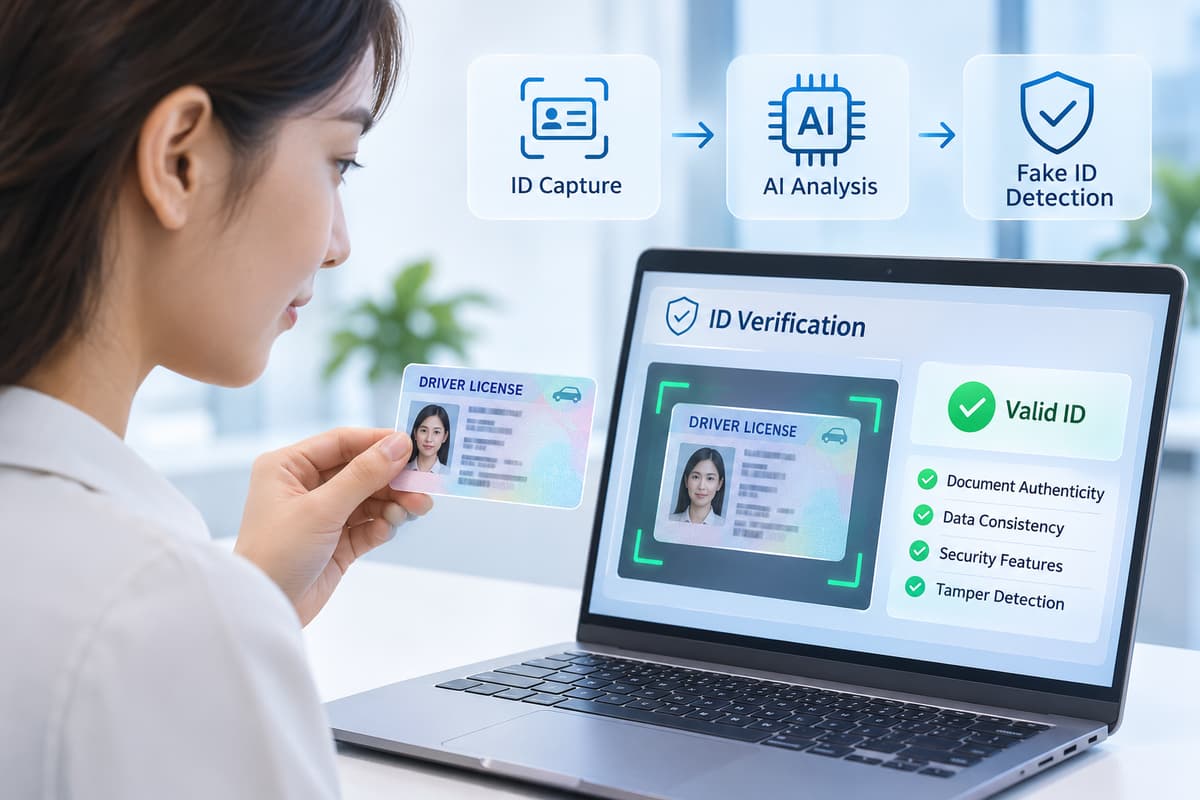
Step 1: Document Capture
The user presents an identity document using a mobile phone, webcam, or document scanner.
The capture system checks whether the image is suitable for analysis. Common quality indicators include:
-
Sufficient lighting and image resolution
-
Clear, readable document details
-
Correct positioning and orientation
-
Limited glare, blur, or obstruction
Poor capture quality can make genuine documents difficult to assess. Providing clear instructions and allowing users to retry can improve the verification experience.
Step 2: Document Classification
The software attempts to identify the document type and, when possible, its issuing country or region.
Computer vision models may examine the document’s layout, dimensions, printed elements, and recognizable visual patterns.
Correct classification helps the system select relevant validation rules.
Step 3: Data Extraction
OCR technology converts visible text into structured digital information.
For example, a document recognition system might extract a person’s name, date of birth, document number, and expiration date.
Where supported, the system can also read machine-readable zones (MRZ) or barcodes.
These extracted fields can then be checked for formatting and consistency.
Step 4: Authenticity and Liveness Checks
The verification engine searches for evidence of document tampering, suspicious presentation methods, or inconsistent security features.
Some solutions analyze whether the document is physically present during capture. Others examine document-specific visual patterns or cryptographic information where available.
Importantly, confirming that a physical document is present does not automatically establish that the document is genuine.
Step 5: Risk Evaluation and Decision
The system combines available results and determines whether the document passes automated checks, requires additional review, or should be rejected according to defined policies.
The final decision may also depend on authoritative data sources, business rules, or human review.
The NIST identity proofing guidelines distinguish document validation from verifying that the evidence belongs to the person claiming the identity. This distinction is essential when designing a complete verification process.
5 Essential Technologies Used to Detect Fake IDs
Effective fake ID detection software uses several complementary techniques. Each one helps address a different type of risk.
1. Optical Character Recognition (OCR)
OCR converts text found in images into machine-readable information.
In document verification, OCR reduces manual data entry and helps identify inconsistencies between printed fields and encoded data.
For example, if a passport’s visible expiration date differs from the information extracted from its machine-readable zone, the system can flag the mismatch for further investigation.
OCR does not establish authenticity by itself. A counterfeit document may contain perfectly readable text.
2. Artificial Intelligence and Computer Vision
AI-powered document analysis uses machine learning models to recognize visual patterns associated with genuine documents and potential manipulation.
Depending on the model and available evidence, systems may examine unusual image boundaries, inconsistent typography, portrait changes, or document layout problems.
Computer vision can also help identify document position and improve capture quality before deeper checks begin.
These capabilities depend on the documents and attack types represented in the system’s training and evaluation data.
3. Document Liveness Detection
Document liveness detection examines whether a physical document is being presented during the verification session rather than a screen image, printout, or other reproduction.
Some systems analyze multiple frames, movement, reflective behavior, or other visual signals.
This technology is valuable in remote identity verification, where an employee cannot physically inspect the presented document.
For organizations exploring this capability, MiniAiLive provides an ID Document Liveness Detection SDK. Its published product description includes checks aimed at printed copies, screen replay attacks, and portrait substitutions.
4. Document Security Feature Analysis
Genuine identification documents often contain security features intended to make counterfeiting more difficult.
Examples include holograms, specialized printing, optical effects, and machine-readable security information.
A suitable verification system may inspect the features visible to its capture hardware.
However, not every feature can be evaluated with an ordinary smartphone camera. Some checks require specialized imaging, dedicated readers, or access to cryptographically protected data.
A successful visual check should not be treated as proof that all security features are authentic.
5. Biometric Verification and Face Liveness Detection
Document verification becomes more useful when combined with checks of the person presenting the ID.
Face recognition can compare a live facial image against the portrait extracted from an identity document.
Face liveness detection adds another layer by looking for evidence that a real person is present rather than a photograph, replayed video, or other presentation attack.
However, matching two faces does not prove that the identity document itself was legally issued or remains valid.
Biometric verification should complement document authenticity checks, not replace them.
Comparison of Key Detection Technologies
| Technology | Primary function | Main limitation |
|---|---|---|
| OCR | Extracts document text and structured data | Readable text may still be fraudulent |
| AI and computer vision | Detects suspicious visual patterns | Performance varies across document and attack types |
| Document liveness | Looks for physical document presence | Does not prove the document is authentic |
| Security feature analysis | Examines document protection features | Some checks need specialized equipment |
| Biometric verification | Compares the applicant with the ID portrait | Cannot independently validate document issuance |
Combining these techniques supports a layered approach to fraud prevention.
Real-World Applications and Business Benefits
Automated document verification supports organizations that must establish identity before granting access to services.
Banking and Fintech
Financial institutions use document checks during remote account opening and customer due diligence.
Fake ID detection software can help identify suspicious submissions before accounts are activated or additional financial services become available.
It also supports Know Your Customer (KYC) workflows, although the exact legal requirements vary by jurisdiction.
Digital Platforms and Online Marketplaces
Marketplaces, payment platforms, and other digital services may verify users to reduce impersonation, unauthorized account creation, or misuse of their systems.
Automated checks can make it easier to process large numbers of applications while reserving more complex cases for manual review.
Age-Restricted Services
Organizations offering age-restricted products or services may need to inspect identification to establish whether a user meets an applicable age requirement.
Document analysis can support this process, but organizations must also consider local legal requirements and whether the ID belongs to the person presenting it.
Travel and Hospitality
Identity document recognition can help extract information during hotel registration and other travel-related workflows.
When permitted by applicable rules, authenticity checks may help staff identify suspicious documents before completing registration.
Operational Benefits
When correctly implemented, automated verification can offer several practical benefits:
-
Reduced manual transcription of identity information
-
More consistent document evaluation procedures
-
Faster handling of straightforward submissions
-
Better identification of cases needing additional review
-
More structured evidence for operational auditing
Actual results depend on the verification design, document coverage, capture quality, and review procedures.
Limitations, Accuracy, and Security Risks
Although document verification technology has improved, organizations should understand its limitations before relying on automated decisions.
False Positives and False Negatives
A false positive in a fraud-detection workflow occurs when a genuine document is incorrectly flagged as suspicious.
A false negative occurs when a fraudulent submission is incorrectly accepted.
Both outcomes matter.
Unnecessary rejections can frustrate legitimate customers. Undetected fraud can expose businesses and users to financial and security risks.
Testing should measure both types of errors using representative documents, devices, and operating conditions.
Document Diversity and Capture Quality
Identity documents differ across countries, issuing authorities, and document generations.
A model that performs well on one passport type may perform differently on another.
Camera quality, lighting, reflection, physical wear, and image compression can also influence results.
Businesses should evaluate coverage for the document types actually used by their customers.
AI-Generated and Manipulated Images
Attackers may use edited images, synthetic portraits, or injected media to challenge remote verification systems.
Even high-quality face matching cannot, on its own, prevent every digitally injected attack.
NIST specifically discusses forged media and digital injection threats in its Digital Identity Guidelines. Systems should consider secure capture and injection resistance alongside visual detection.
Security and Privacy of Personal Data
Identity documents can contain highly sensitive personal information, including addresses, dates of birth, and identification numbers.
Organizations should protect this data throughout collection, processing, storage, and deletion.
Important safeguards include encrypted transmission, strict access controls, retention limits, and appropriate audit logging.
Developers should also treat uploaded files as untrusted inputs.
The OWASP File Upload Cheat Sheet recommends measures such as validating file types, limiting upload sizes, restricting access, and protecting storage locations.
Why Human Review Still Matters
Not every suspicious submission should result in an automatic rejection.
Human review can help resolve unclear images, unusual document formats, disputed results, and cases involving accessibility concerns.
A reliable system should provide a secure way to retry capture, request additional evidence, or escalate the case.
This helps organizations manage fraud without placing unnecessary obstacles in front of legitimate users.
Best Practices and MiniAiLive SDK Integration
Choosing fake ID detection software involves more than comparing advertised accuracy or processing speed.
Businesses need to evaluate how the technology fits their users, security policies, infrastructure, and compliance responsibilities.
1. Use a Layered Verification Approach
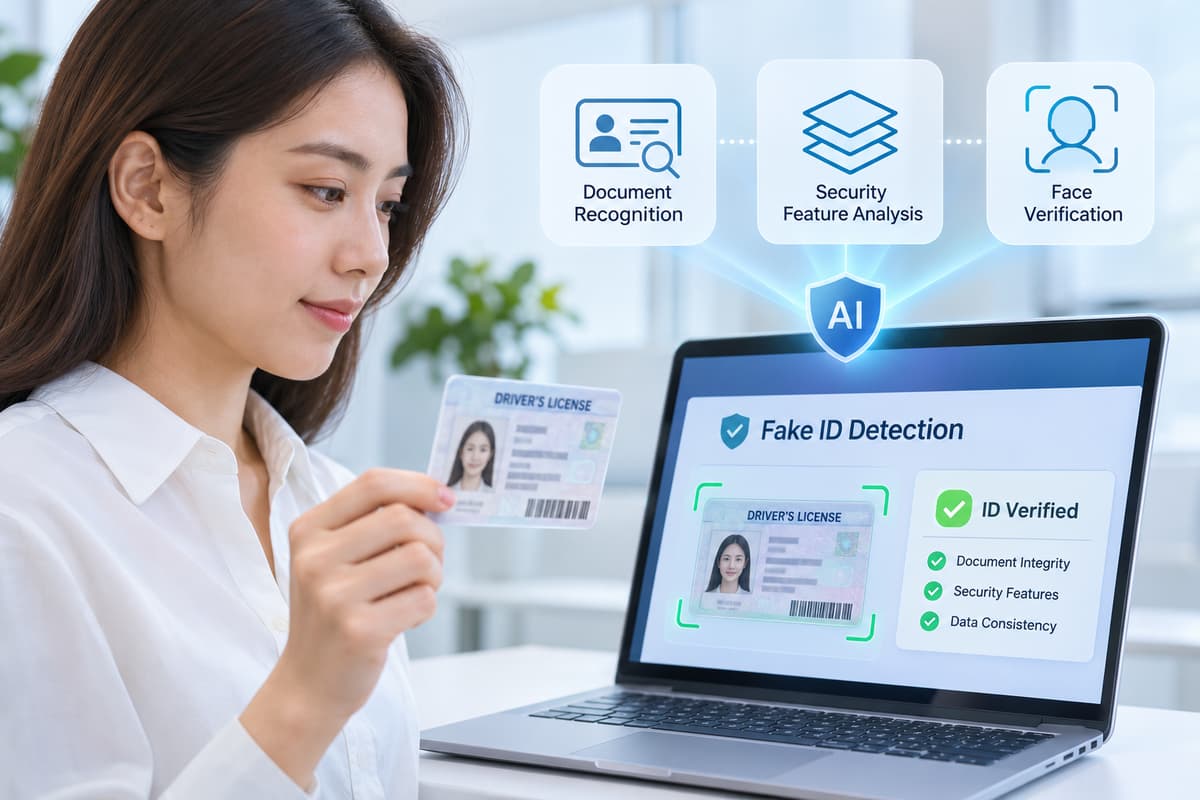
Combine document recognition, document authenticity checks, document liveness, and applicant verification when the use case requires them.
Each stage answers a different question.
Together, these checks can provide stronger evidence than any single method alone.
2. Validate Document Coverage
Before deployment, identify which passports, national IDs, and driver’s licenses your service must accept.
Test examples from the relevant countries and document versions.
Also determine how the system handles unsupported documents rather than assuming that every ID can be verified.
3. Evaluate Performance With Realistic Test Data
Build a controlled evaluation dataset that includes genuine documents, authorized test reproductions, low-quality captures, and representative fraud attempts.
Measure false acceptance, false rejection, processing failures, and manual review rates.
Separate the performance of OCR, document authenticity checking, and document liveness detection so that weaknesses are easier to identify.
4. Protect the Entire Integration
Use secure API authentication, encrypted data transfer, input validation, and restricted storage access.
Avoid exposing raw identity images in application logs.
Define retention and deletion policies before collecting production customer data.
5. Integrate Relevant MiniAiLive SDKs
MiniAiLive publishes two particularly relevant solution pages for document-focused workflows.
Its ID Document Recognition SDK describes OCR extraction, document type recognition, barcode scanning, and MRZ parsing. Its document liveness offering focuses on detecting selected document presentation attacks.
A possible integration workflow is:
-
Capture the document with suitable image-quality checks.
-
Extract available fields using an ID document recognition SDK.
-
Perform document authenticity and liveness checks.
-
Add facial comparison and face liveness checks when required.
-
Evaluate results through documented risk rules.
-
Route inconclusive cases to secure manual review.
This is a reference workflow, not a claim that a single MiniAiLive SDK performs every stage automatically.
Developers should confirm supported document types, platforms, SDK interfaces, output formats, deployment requirements, and licensing details before production integration.
Frequently Asked Questions and Conclusion
What is fake ID detection software?
Fake ID detection software analyzes identity documents for signs of forgery, alteration, or suspicious presentation. Depending on its capabilities, it may use OCR, computer vision, document liveness detection, and security feature checks.
Can AI detect every fake identity document?
No. Detection performance depends on the document type, image quality, attack method, and system capabilities. Layered verification and human review remain important for handling uncertain cases.
What is the difference between document recognition and document liveness detection?
Document recognition reads and organizes information from an ID. Document liveness detection looks for evidence that a physical document is being presented rather than a reproduction or screen image. These technologies address different parts of identity verification.
Can fake ID detection software be integrated into an existing application?
Yes. Suitable SDKs or APIs can support integration with web applications, mobile apps, and server-based identity workflows. Developers should verify platform compatibility, data handling requirements, and the capabilities of each component.
Is fake ID detection software enough for KYC compliance?
Not necessarily. KYC may involve identity resolution, evidence validation, applicant verification, risk assessment, screening, and recordkeeping. The required controls depend on applicable laws, regulations, and business activities.
Conclusion
Fake ID detection software is an important part of modern identity verification and fraud prevention.
OCR, artificial intelligence, document liveness detection, security feature analysis, and biometric verification provide complementary ways to assess identity evidence.
However, organizations must recognize their limitations. Secure capture, representative testing, careful data protection, and human review are essential to a dependable verification process.
For developers and businesses exploring document-focused verification, MiniAiLive’s document recognition and document liveness solutions provide relevant technologies to evaluate as part of a broader identity security architecture.
The goal is not simply to automate document checks. It is to create a verification experience that balances security, accuracy, privacy, and usability.