
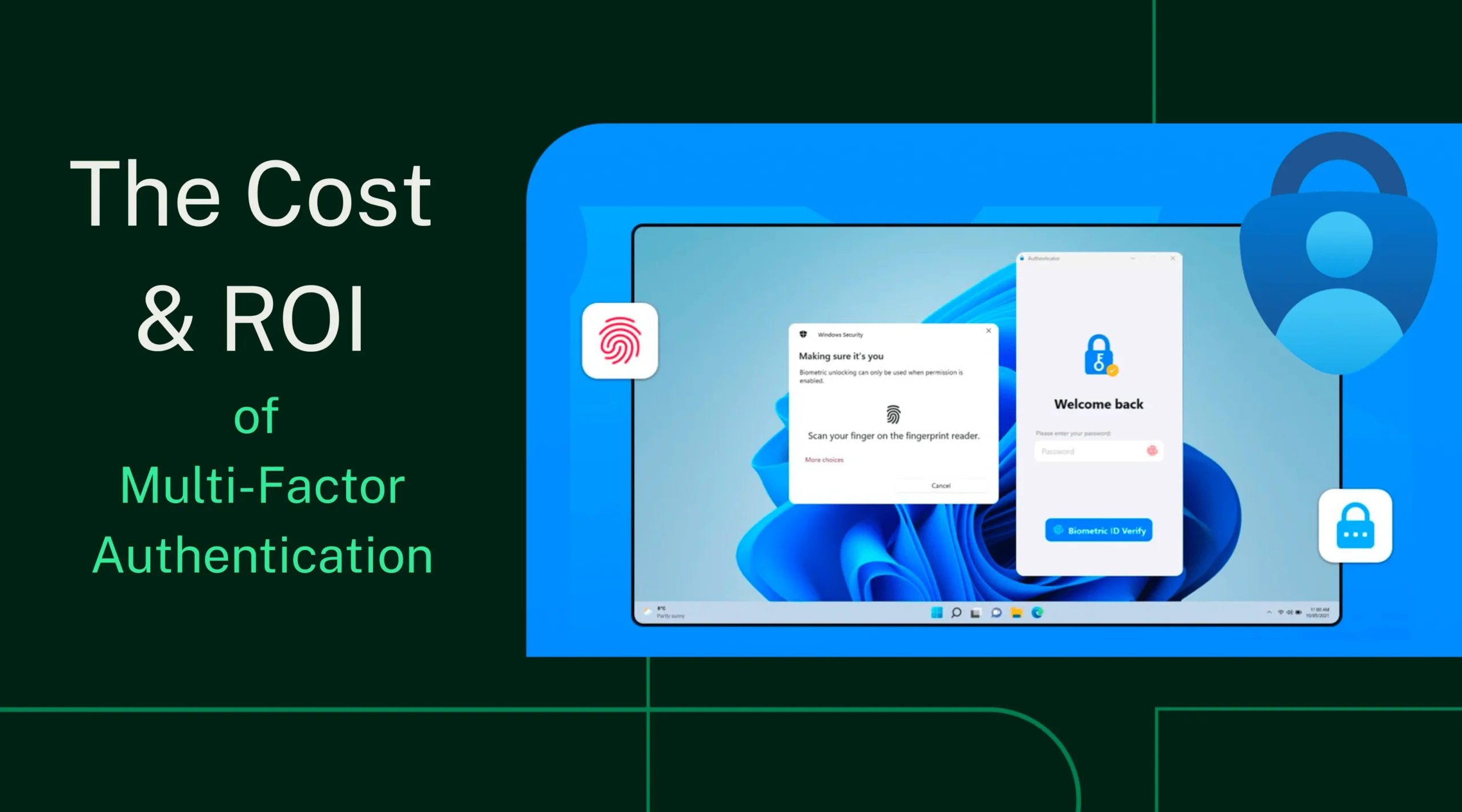
Passwordless authentication has rapidly moved from an emerging security concept to a strategic priority for enterprises, SaaS companies, and digital-first businesses. As organizations struggle with rising cyberattacks, credential theft, phishing campaigns, and poor user experiences caused by traditional passwords, passwordless authentication promises a future that is more secure, frictionless, and cost-effective.
But while passwordless authentication is often marketed as simpler and cheaper, the reality is more nuanced.
What does passwordless authentication actually cost?
Which technologies are involved?
What are the hidden trade-offs?
And most importantly—does passwordless authentication deliver real ROI?
This comprehensive guide explores the true cost of passwordless authentication, breaking down technologies, implementation expenses, security trade-offs, operational impact, and measurable return on investment.
Table of Contents
-
What Is Passwordless Authentication?
-
Why Organizations Are Moving Away from Passwords
-
Passwordless Authentication Technologies Explained
-
Cost Components of Passwordless Authentication
-
Direct vs Indirect Costs
-
Trade-Offs and Challenges of Passwordless Authentication
-
Passwordless Authentication vs Traditional Passwords: Cost Comparison
-
ROI of Passwordless Authentication
-
Industry Use Cases and Cost Scenarios
-
How to Calculate Passwordless Authentication ROI
-
Best Practices to Reduce Passwordless Costs
-
Is Passwordless Authentication Worth the Investment?
-
Final Thoughts
1. What Is Passwordless Authentication?
Passwordless authentication is a method of verifying user identity without requiring a traditional password. Instead of something the user knows (password), authentication relies on:
-
Something the user has (device, hardware key)
-
Something the user is (biometrics)
-
Or a cryptographic challenge-response mechanism
The goal is to eliminate password-related risks such as reuse, weak passwords, phishing, and credential stuffing attacks.
Common Passwordless Authentication Methods
-
Biometrics (fingerprint, facial recognition)
-
Magic links
-
One-time passcodes (OTP)
-
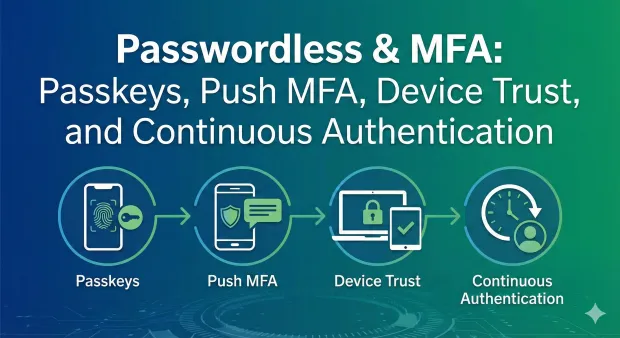
Push notifications
-
Hardware security keys (FIDO2)
-
Passkeys (Apple, Google, Microsoft)
2. Why Organizations Are Moving Away from Passwords
Passwords have become one of the weakest links in cybersecurity.
The Cost of Password-Based Authentication
Passwords introduce significant financial and security burdens, including:
-
Password resets costing $30–$70 per ticket
-
High IT helpdesk workload
-
Credential theft and account takeovers
-
Phishing and social engineering attacks
-
Poor user experience and login friction
According to multiple industry studies:
-
Over 80% of data breaches involve compromised credentials
-
Employees spend hours per year dealing with password resets
-
Consumers abandon apps due to login friction
Passwordless authentication addresses many of these issues—but not without cost.
3. Passwordless Authentication Technologies Explained
Understanding cost starts with understanding the technology options, each with different pricing models, infrastructure needs, and trade-offs.
3.1 Biometric Authentication
Examples: Fingerprint, Face ID, Iris Scan
Cost Considerations:
-
Device compatibility
-
Biometric SDK licensing
-
Privacy and compliance requirements
Pros:
-
Excellent user experience
-
Strong security when combined with device binding
Cons:
-
Hardware dependency
-
Privacy concerns
-
Not universally supported across all devices
3.2 Magic Links (Email-Based Authentication)
How It Works:
A secure link is sent to the user’s email to authenticate login.
Costs:
-
Email delivery infrastructure
-
Fraud prevention tooling
-
Email service provider costs
Pros:
-
Easy to implement
-
No new hardware required
Cons:
-
Email compromise risk
-
Slower login experience
-
Poor offline support
3.3 One-Time Passcodes (OTP)
Delivery Methods:
-
SMS
-
Email
-
Authenticator apps
Costs:
-
SMS fees (significant at scale)
-
Fraud mitigation systems
-
OTP infrastructure
Pros:
-
Familiar to users
-
Low implementation barrier
Cons:
-
SMS OTP vulnerable to SIM swapping
-
Ongoing messaging costs
3.4 Push-Based Authentication
How It Works:
Users approve login requests via mobile app notifications.
Costs:
-
Mobile app development
-
Push notification services
-
Device enrollment management
Pros:
-
Strong security
-
Fast authentication
Cons:
-
Requires mobile app
-
Device dependency
3.5 Hardware Security Keys (FIDO2)
Examples: YubiKey, Titan Security Key
Costs:
-
Hardware purchase ($20–$70 per key)
-
Distribution and replacement
-
User training
Pros:
-
Highest phishing resistance
-
Strong cryptographic security
Cons:
-
High upfront cost
-
Loss and replacement issues
3.6 Passkeys (Modern Passwordless Standard)
Supported By: Apple, Google, Microsoft
Costs:
-
IAM provider integration
-
Platform compatibility testing
-
User education
Pros:
-
Strong security
-
Seamless UX
-
No shared secrets
Cons:
-
Still evolving
-
Device portability concerns
4. Cost Components of Passwordless Authentication
The true cost of passwordless authentication goes far beyond licensing.
4.1 Technology and Licensing Costs
-
Identity provider fees
-
Authentication API usage
-
MFA or passwordless feature add-ons
4.2 Implementation and Integration Costs
-
Engineering time
-
Legacy system integration
-
App updates
-
User migration
4.3 Infrastructure Costs
-
Email/SMS gateways
-
Push notification services
-
Cloud authentication services
4.4 Operational Costs
-
Device management
-
User onboarding
-
Customer support
4.5 Compliance and Security Costs
-
GDPR / CCPA compliance
-
Biometric data protection
-
Auditing and logging
5. Direct vs Indirect Costs
Direct Costs
-
Vendor subscriptions
-
Hardware keys
-
SMS fees
-
Development costs
Indirect Costs
-
Training employees and users
-
Change management
-
Temporary productivity dips
-
Customer friction during rollout
Understanding both is essential for accurate ROI calculation.
6. Trade-Offs and Challenges of Passwordless Authentication
While passwordless reduces many risks, it introduces new considerations.
6.1 Device Dependency
Users rely heavily on personal devices, creating challenges if devices are lost or replaced.
6.2 Recovery and Fallback Mechanisms
Passwordless systems must still handle:
-
Account recovery
-
Device loss
-
Cross-device access
These fallback flows add cost and complexity.
6.3 Privacy and Compliance Risks
Biometrics and device identifiers must be handled carefully to avoid regulatory penalties.
6.4 User Education
Users unfamiliar with passwordless may need guidance, increasing onboarding costs.
7. Passwordless Authentication vs Traditional Passwords: Cost Comparison
| Cost Area | Password-Based | Passwordless |
|---|---|---|
| Helpdesk | High | Low |
| Breach Risk | High | Low |
| User Experience | Poor | Excellent |
| Long-Term Cost | High | Lower |
| Upfront Investment | Low | Moderate |
While passwordless may cost more upfront, long-term savings are significant.
8. ROI of Passwordless Authentication
Key ROI Drivers
-
Reduced helpdesk tickets
-
Fewer security incidents
-
Lower fraud losses
-
Increased conversion rates
-
Improved employee productivity
Example ROI Calculation
A mid-sized enterprise with:
-
10,000 employees
-
2 password resets per user/year
-
$50 per reset
Annual reset cost:
10,000 × 2 × $50 = $1,000,000
Passwordless can reduce this by 70–90%.
9. Industry Use Cases and Cost Scenarios
SaaS Companies
-
Higher conversion rates
-
Reduced churn
-
Lower fraud risk
Enterprises
-
Lower IT costs
-
Improved compliance
-
Stronger security posture
Financial Services
-
Fraud reduction
-
Regulatory compliance
-
Improved trust
10. How to Calculate Passwordless Authentication ROI
Step-by-Step Framework
-
Identify current password-related costs
-
Estimate passwordless implementation cost
-
Project savings over 3–5 years
-
Factor in risk reduction
-
Measure UX and conversion improvements
11. Best Practices to Reduce Passwordless Costs
-
Start with high-risk users
-
Use hybrid models initially
-
Choose scalable IAM platforms
-
Invest in user education
-
Monitor adoption metrics
12. Is Passwordless Authentication Worth the Investment?
For most organizations, yes—but only with proper planning.
Passwordless authentication is not just a security upgrade; it’s a business investment that improves operational efficiency, customer experience, and long-term cost control.
13. Final Thoughts
The true cost of passwordless authentication is not just measured in dollars—it’s measured in risk reduction, productivity gains, and customer trust.
While upfront costs and trade-offs exist, organizations that adopt passwordless authentication strategically often see substantial ROI within 12–24 months.
As cyber threats continue to evolve, passwordless authentication is no longer a question of if, but when.